
Home WiFi & network installation
Practical network planning for WiFi coverage, home offices and connected family spaces.
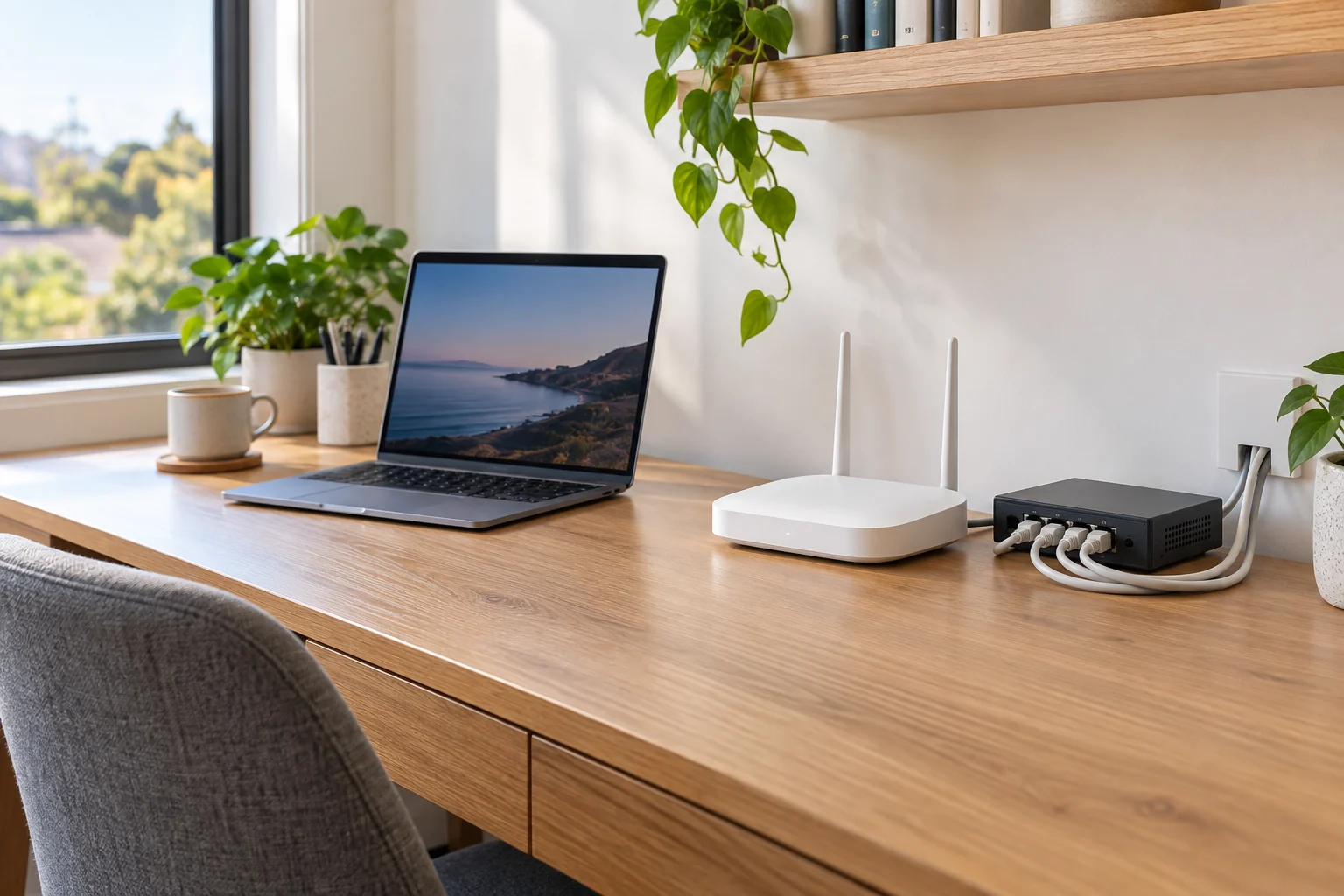
Home WiFi & network installation in Eastern Sydney & Bayside
Video calls in the study, streaming in the lounge and devices upstairs all put different demands on a home network. Apexelec helps homeowners assess coverage and plan data cabling, access points and equipment positions. We start with the existing internet connection, building layout and the places where you need a more reliable connection.
What we can help with
- Home WiFi coverage and equipment-placement assessment
- Wired data points for studies and entertainment areas
- WiFi access-point installation enquiries
- Network cabling between suitable equipment locations
- Planning connections for cameras and smart-home equipment
Separate internet performance from room coverage
Describe whether the whole home has a slow connection or whether the problem occurs only in particular rooms. Include the router location, internet plan and equipment you use. This helps establish what should be assessed locally and which questions may need to go to your internet provider.
Plan around the home and its devices
Send a simple floor plan showing the study, television, camera system and any other important equipment. Building materials, distance and cable access influence equipment placement. We can discuss wired connections for suitable devices and access points for the areas where WiFi is useful, with performance assessed for the actual property.
What to send with your enquiry
- A floor plan and the rooms with connection problems
- Router and network-equipment model details
- Internet provider and the type of incoming connection
- Devices that need a reliable connection
- Existing data outlets and access to roof or wall spaces
Questions about home wifi & network installation
Why is my WiFi slow in some rooms but fast near the router?
Walls, distance, interference, device capability and router placement can affect coverage. Compare where and when the problem occurs rather than assuming the internet plan is the only cause. Tell us the layout and equipment so the internal network and internet connection can be considered separately.
Guidance: nbn home network guidance
Should I choose mesh WiFi or wired access points?
Both can improve coverage when properly designed. The building layout, available cabling, device count and performance needs guide the choice. A wired connection between network devices can be useful where practical; buying more mesh units does not automatically overcome every placement or interference issue.
Guidance: nbn home network guidance
Will a new WiFi system make my NBN plan faster?
It can help you use the connection more effectively if the internal network is the limitation. It cannot increase the purchased plan speed or resolve every provider-side fault. We assess the symptoms before recommending equipment and avoid promising one speed in every room.
Guidance: nbn home network guidance
Where should my WiFi router be located?
An open, raised position near the areas where devices are used often helps. Cupboards, dense obstacles and sources of interference can reduce coverage. The internet handover location and available cabling also matter, so moving a router is different from altering carrier-owned equipment.
Guidance: nbn home network guidance · ACMA registered cabler guidance
Can WiFi coverage be extended to a garage or home office?
It can be assessed, with the route, distance, wall materials and power considered together. A detached building may need a different approach from another room in the house. Send a plan and explain the devices and reliability you need in the space.
Do I need Ethernet cabling for a mesh WiFi system?
Not every mesh system requires it, but compatible wired links can help where wireless links are constrained. The equipment and installation need to support the intended arrangement. Ask about both wired and wireless options rather than assuming a mesh purchase removes all need for cabling.
Guidance: nbn home network guidance
Can you improve WiFi in an apartment without major building work?
Potentially, through equipment placement, compatible network equipment or suitable internal cabling. The construction and existing connections need assessment. Work crossing common property can require approval, so provide the strata requirements and floor plan before a cable route is agreed.
Guidance: NSW strata renovation guidance · nbn home network guidance
Can the same network support cameras and smart-home equipment?
It can be planned for those devices, but coverage, device compatibility, network capacity and security settings matter. Provide the device list and where equipment will be located. Some camera or smart-home features also need internet access, so confirm the chosen products' requirements.
Guidance: nbn home network guidance · Axis camera system guidance
How much does a home WiFi installation cost?
The layout, equipment, number of coverage points, cable access and setup requirements affect the scope. Tell us the rooms with problems and the current router and internet equipment. A useful quote distinguishes hardware, cabling, configuration and any ongoing service costs.
Who should install permanent network cabling?
Use an appropriately registered cabler for regulated communications cabling. ACMA provides ways to check registration and explains the written compliance statement. Internet-provider support, WiFi configuration and fixed cabling are related but different services, so confirm who is responsible for each part.
Guidance: ACMA registered cabler guidance
Related electrical services
Available across your area
Based in Banksmeadow, Apexelec accepts enquiries across Randwick and Bayside. Choose your area for local service information.